

Deploy AI agents that connect to your tools and teams, and drive your business forward.
AI Agents
for Enterprise
10,000+ Teams rely on Zenzap daily
15,000+ Active agents
40,000+ Workflows



Turning Everyday Work into Business Impact
Save time at scale
Automate business processes and entire workflows across teams and tools.

Reduce costly mistakes
Catch issues before they escalate and reduce operational risk.

Increase efficiency
Keep work moving without waiting on manual follow-ups.

Connected to Your Entire Stack
AI agents work across all your tools and systems to find, analyze, update, and take action.

Shared Context & Knowledge
AI agents work alongside your teams in group chats, with the shared context to keep everyone moving together.

All Your Most Critical Processes, Automated
AI agents can build complex business workflows across systems, teams, and departments.

Custom AI Workflows
Every enterprise works differently. We can build tailor-made AI workflows around your specific processes, systems, teams, and requirements.
Tailored to your needs
Built around the processes you need to automate.

Connected across your organization
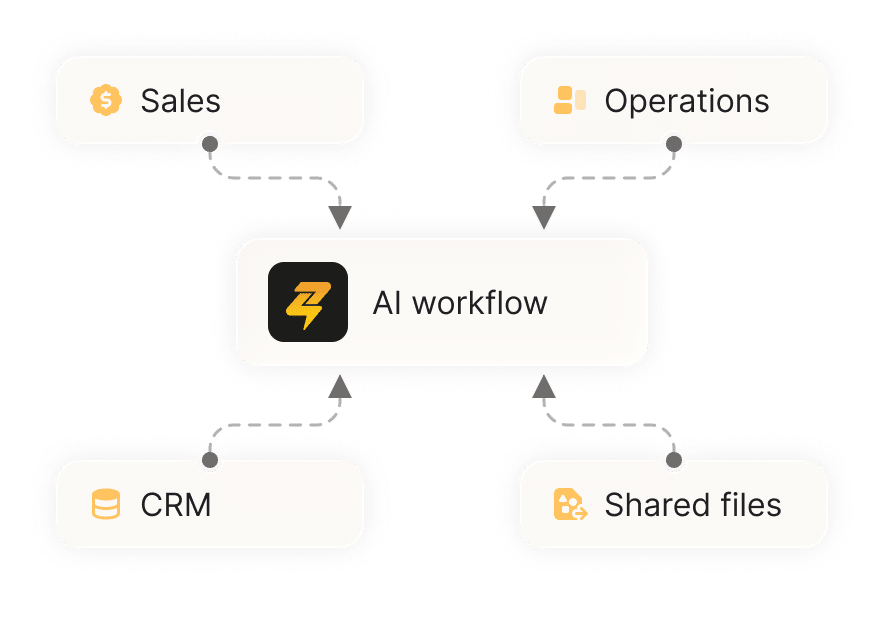
Agents work across systems, data, teams, and departments.
Built and managed for you
Deployed, built, and maintained for you.

Deploy AI to Your Entire Organization
Every team gets access to AI without a development project behind it,
and without writing a single line of code.

You're Always in Control
You decide what each agent can do and who can access it.


Enterprise-Grade Security
Secure by design: you have full control, and your data is never used to train AI models.

FAQ
Our team will scope the workflows with you, build them, and roll them out, then hands you the same controls to manage and audit it going forward.
No. Setting up an agent takes minutes and doesn’t require code, so any team can do it without a developer or a ticket to IT.
Yes. For each connected tool, you can require approval before an agent acts, restrict it to read-only, or block action entirely.
An agent only has access to the chats it’s been added to.
Yes. Admins get a view of every agent and connected tool across the organization, along with the controls set on each one.